

View the portfolio
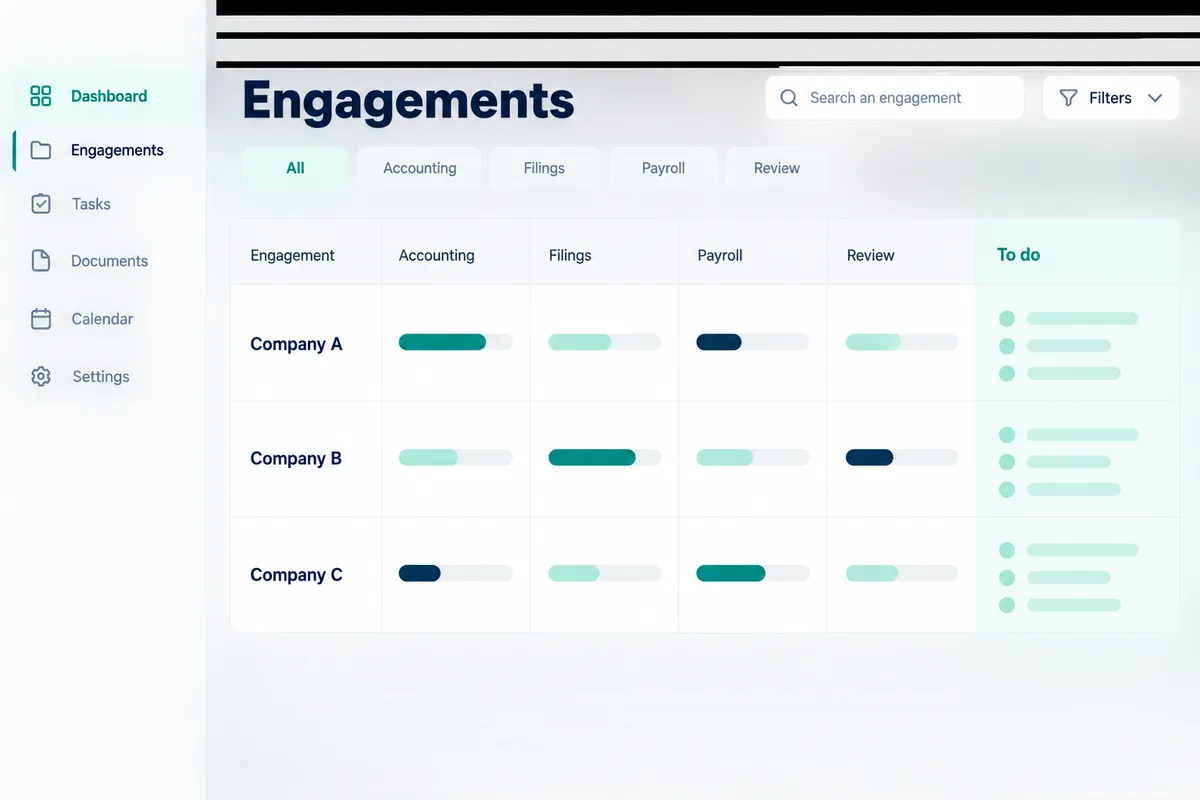
All mandates with their balances and a "To do" column.
Fiduciaries · Cockpit
The cockpit brings your portfolio together: balances, items to handle, team, rules and client access. Each mandate remains separate, with its own rules.
The cockpit day to day
Each mandate has its own record: set-up, activity log, open items, discussion thread with the client's agent.
All mandates with their balances and a "To do" column.
Set-up checklist, log, open items, dialogue between your agent and the client's.
Each team member receives their mandates; approvals follow.
Counters for documents processed and usage, pricing measured per mandate.
Firm identity, visible widgets, client access and invitations.
See the portal from the client's sideA client owns several companies with current accounts between them: the central agent queries each company's agent, gathers the answers and coordinates the reconciliation or consolidation.
Contract and set-up templates that can be reused from one mandate to the next.
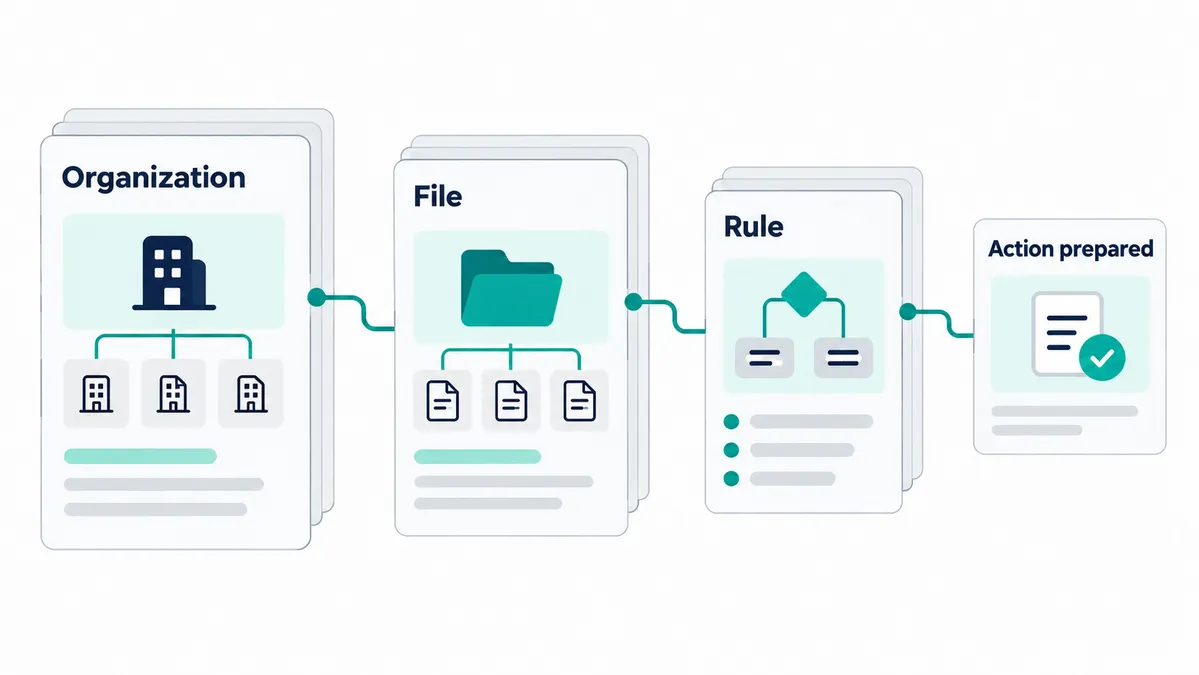
Three independent levels, from the most general to the most specific: a mandate can adapt what the firm has set, without ever affecting other mandates.
Your default way of working: approval thresholds, treatments, templates. They apply to every mandate that does not say otherwise.
Understand how rules nest (Fidtech)What is specific to one client: document frequency, tools, accounting method, approvals. They take precedence over the firm's rules, for that mandate only.
Who sees and who decides what: each team member accesses the mandates assigned to them, and approvals come to them according to their role.
The firm's rules encompass those of the mandates; team access overlays both.
Yes, by design: each mandate is kept separate, with its own rules and rights. The cockpit presents them together without merging them.
From the cockpit, each mandate is assigned to a team member; approval cards follow that assignment.
Yes. The mandate inherits the firm's rules by default and can refine some of them for itself alone, without changing other mandates.
A listed partner firm appears in the client-side search for a fiduciary firm: the client sends you a mandate request, which you accept before any access to their file. The partner programme sets out the listing conditions.
Pricing
You pay as you go, in credits, with no mandatory subscription. Here is the order of magnitude.
5'000 credits offered on sign-up, no credit card required.
Context, capabilities, rules and approvals: what makes it possible to do almost anything.
Concrete scenarios, from the document to the journal entry.
What is available, country by country.
Pay for what you use, in credits.
Guides and analysis for fiduciaries and SMEs.
Other journeys
With the partner programme, your fiduciary firm receives a share of the AI consumption of its mandates, on top of its fees.