

Modules: the substance
- Invoicing
- Accounting
- Fixed assets
- Contracts
- Projects
- CRM and contacts
- Communication (email, Telegram)
- VAT
- Payroll
- Expense reports
- Products
- Stock and inventory
Next-generation ERP
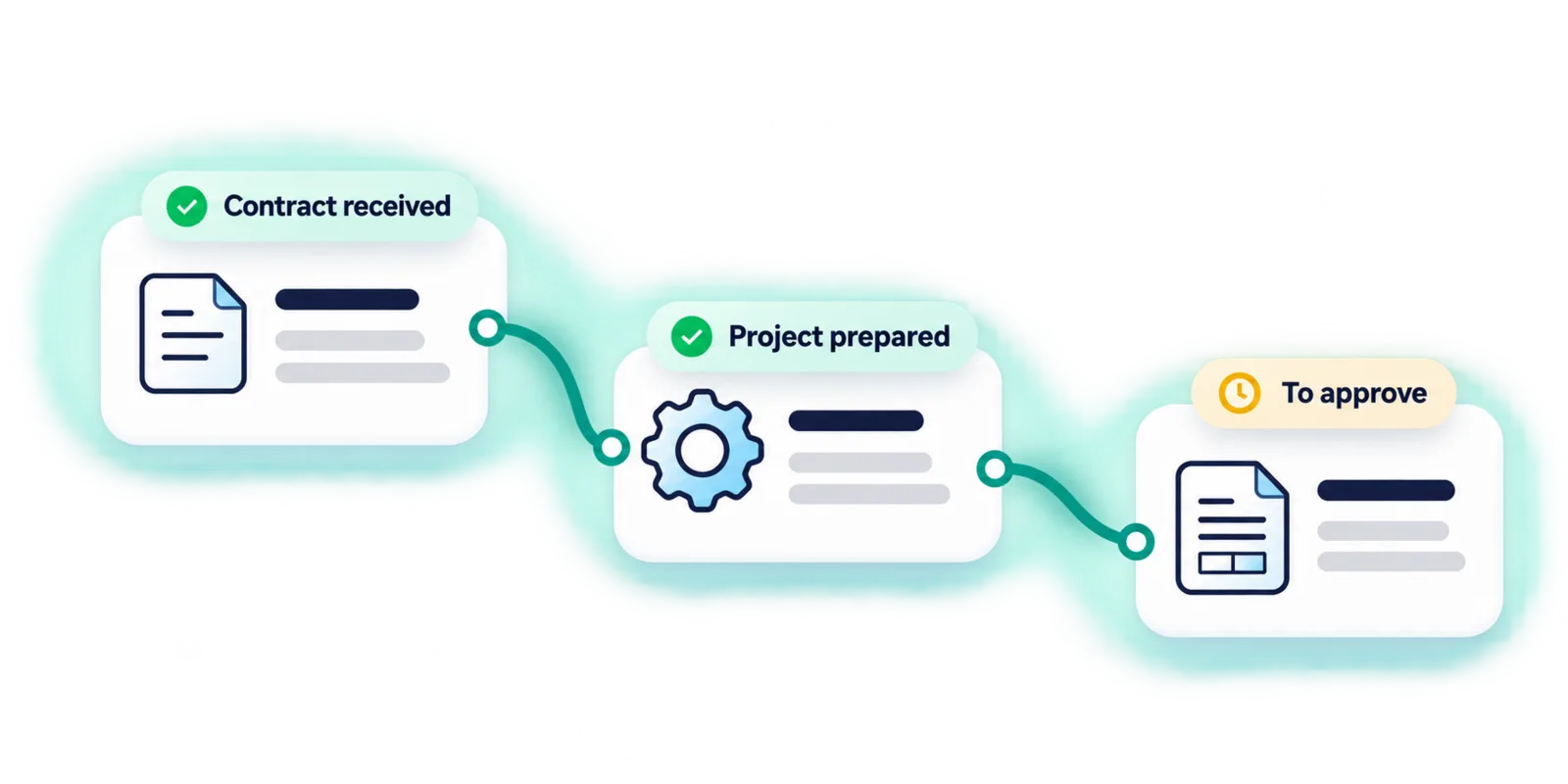
From contract to invoice, everything is connected. Pinnokio links your contracts, projects, sales and finances; its agents coordinate and carry out tasks according to your company's context and the approvals you define.
Your existing tools · Built-in modules · Configurable approval
The business brain of your company
The modules give Pinnokio the substance of your business; its capabilities give it the actions. Combined through scenarios that respect the rules of your file, they let it do more or less what you ask of it.
Amend an invoice
Reconcile the bank
Contract
Analysis
Your expertise stays at the heart of decisions: the agent prepares and acts within the permitted scope, and you approve what is sensitive.
A path for every role
The same business intelligence, different responsibilities.
Manage several mandates with ease: document collection, the rules of each file, accounting production and exchanges with clients.
Discover the fiduciary solutionKeep an overview: link operational flows to accounting and coordinate the follow-up of several companies.
Discover the finance pathMove faster: contracts, projects, teams and invoicing, with operational support that knows your business.
Explore business usesFrom need to result
An invoice, a contract or a bank movement becomes the starting point of a scenario. Pinnokio draws on the modules and tools needed to move the file forward.
Recognise the supplier, apply the learned rules, check amounts, VAT and period, then prepare the journal entry.
Link sales, withheld commissions, batched payouts and bank movements to process them in the right periods.
A contract sets the schedule (recurring, by milestone, usage-based or by progress); the project records the work done; the invoice is the output, subject to your approval.
Modules
Your environment
Pinnokio can rely on its built-in modules or on data from your business software. Connectors provide the context needed to translate your activity into journal entries.
Odoo
Available
Bexio
Available
QuickBooks
Available
Crésus
Beta
File imports
Available
Today the connector module takes the Excel or CSV exports from your tools; direct API connections are coming soon.
Understand the connector modulePricing
You pay for what you use, in credits. The conversion rate into local currency is detailed on the pricing page.
5'000 credits offered on sign-up, no credit card required.
Frequently asked questions
Pinnokio is a next-generation ERP. It brings together CRM, projects, contracts, accounting, payroll, fixed assets, products and stock, and an agent that understands the company's context to coordinate work between these modules, external tools and people. It does not just answer a question about the figures: it moves forward the work that produces them.
No. You can use Pinnokio's modules or keep your business software. For accounting, Pinnokio connects to Odoo, Bexio and QuickBooks; for your multichannel revenue, the connector module takes the Excel or CSV exports from your tools.
Receiving a down payment does not necessarily mean revenue is earned immediately. Pinnokio examines the transaction in context (nature of the service, progress, file rules) before determining its accounting treatment, which remains subject to your approvals.
The connector module links sales, the commissions withheld by the payment provider, batched payouts and bank movements, taking periods into account. Today, it starts from the Excel or CSV exports of your tools (early access); direct API connections are coming soon.
Repetitive operations follow learned rules and signatures rather than a fresh generation each time. Exceptions, ambiguities and decisions you have placed under approval go back to the authorised person. Pinnokio does not promise the absence of errors: it describes its checks and submits out-of-framework cases.
In credits. A supplier invoice processed costs 65 credits, a bank transaction 35 credits, a routed document 15 credits; 5'000 credits are offered on sign-up. The conversion into local currency is shown on the pricing page.
One business situation, your tools, your rules: the demo starts from your reality.
How it works
From context to action
An instruction, a received document or an event starts a scenario, within the scope you have authorised.
- 1 · Receive
- 2 · Understand
- 3 · Execute
- 4 · Follow up
Learn more about how it worksGather the material
Documents by email, Drive or portal, business data, bank statements, requests.
Identify the context
Company, period, file rules and expected treatment before any journal entry.
Use the tools
Trigger the right modules and checks: deterministic processing for repetitive work.
Approve and learn
Exceptions are submitted to you; approved processing enriches the file's rules.
The file guides the work
The client's activity, tools, documents and habits provide the context for every transaction.
Repetitions become rules
Supplier, currency, VAT, lines: an invoice already seen is recognised by its signature; a new case is processed, then learned.
Discrepancies are flagged
Amounts, period, VAT and action rights are checked. Anything outside the framework is submitted for review.
You define the approvals
Tasks move forward within the permitted scope; sensitive decisions go back to the authorised person.