

Answer requests
You open an item (missing document, clarification, approval); the client replies or uploads the document. Reminders are sent.
Fiduciaries · Client portal
Your clients answer your requests, upload their documents and view their position in a space branded for your firm. Every document uploaded goes straight back into the processing of the file.
The journey of a missing document
A client without a Pinnokio account can be invited by their fiduciary firm: they do not take up a seat in your subscription.
You open an item (missing document, clarification, approval); the client replies or uploads the document. Reminders are sent.
The uploaded document goes back into the file's processing flow, with no email or printing.
Pending requests, result for the year, accounting and bank cash position, "file up to date" indicator.
Ageing report of customers to collect from and suppliers to pay, detail by third party, PDF or Excel export.
Statements and documents published by the fiduciary firm for each financial year, via signed links.
Usage and next invoice.
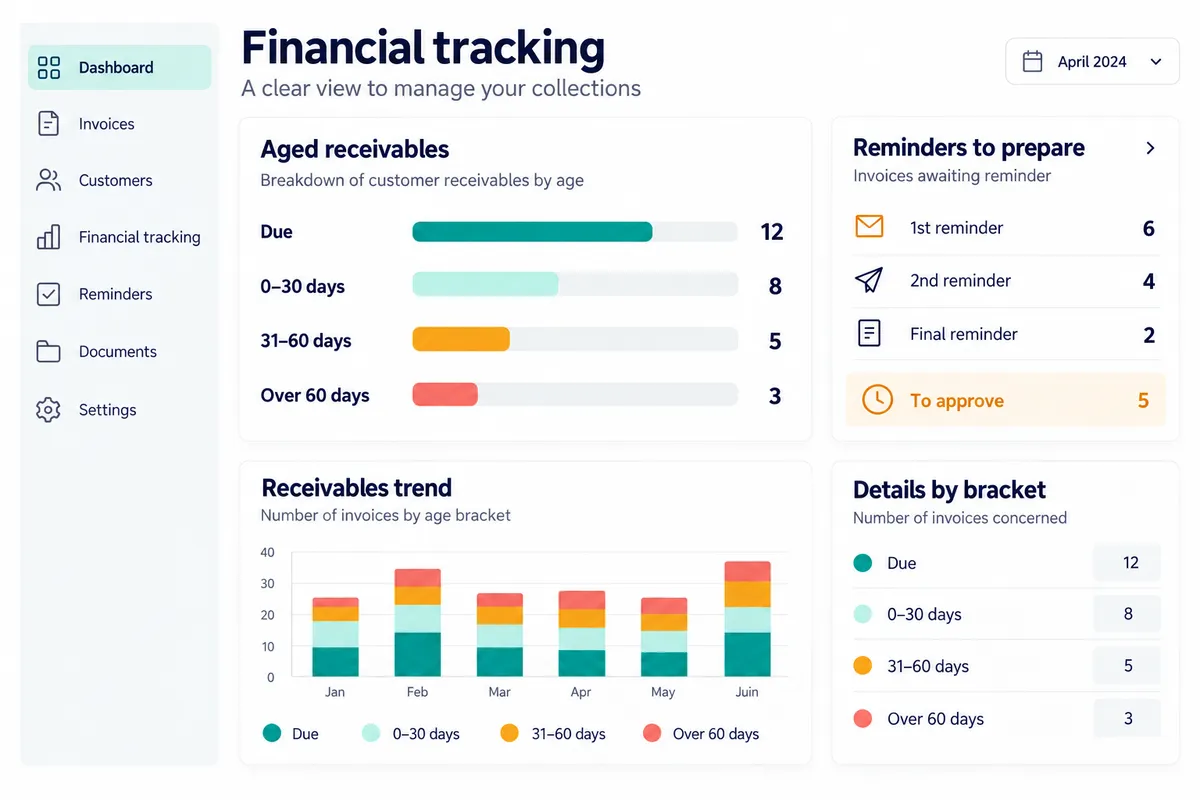
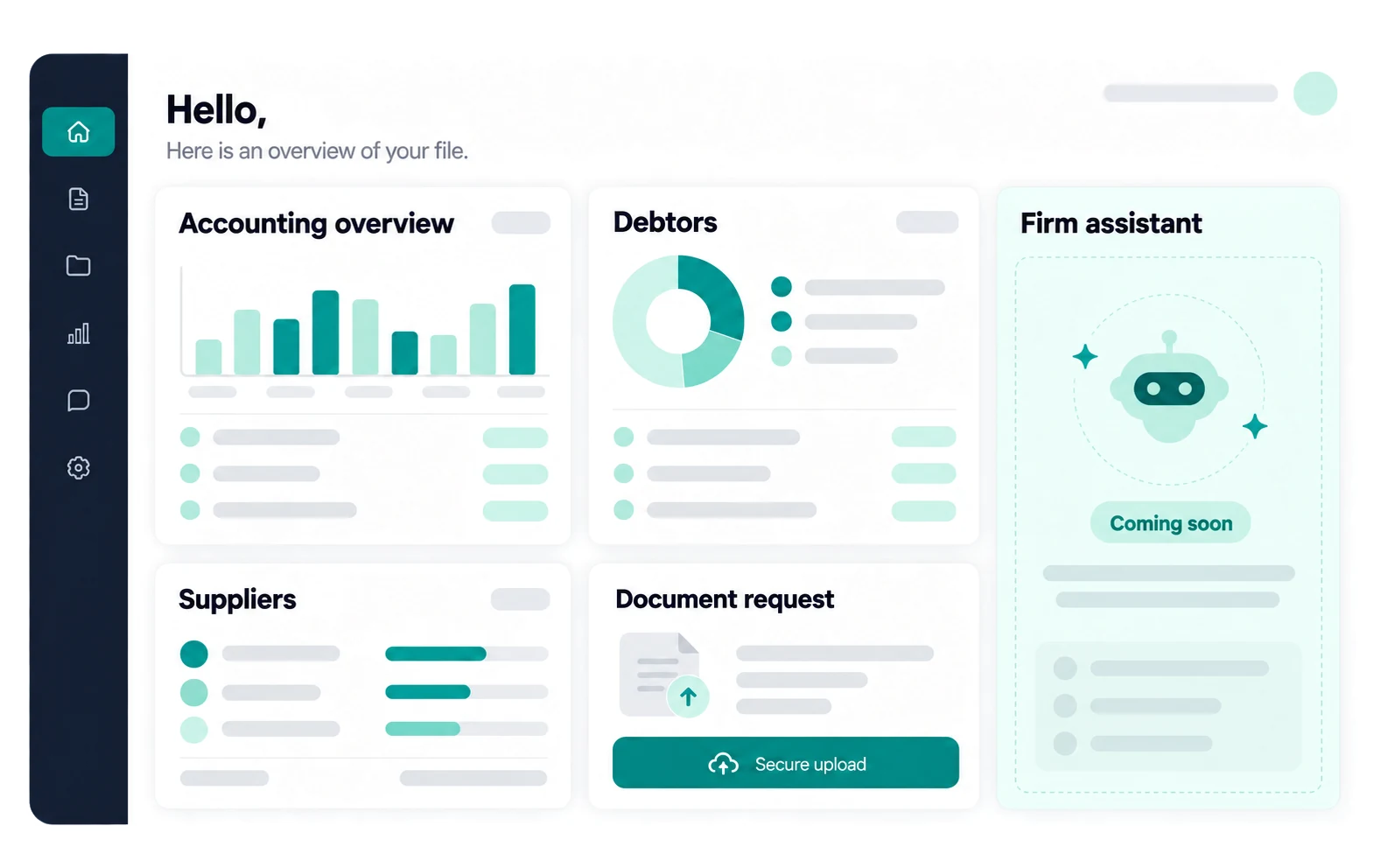
The portal is configured from the mandate cockpit: it is the same control centre.
The portal carries the name and colours of your fiduciary firm.
You choose which widgets are displayed, at firm level and then for each mandate.
Configure the portal from the cockpitAn item opened by the fiduciary firm can only be closed by the firm.
The client reports a new hire or a departure, the fiduciary firm approves; payroll costs are visible.
Discover the payroll moduleInvite a client who does not have a Pinnokio account: they can only access their own file.
The client searches for a listed fiduciary firm and sends it a request; the firm accepts it before any access is granted, and then the mandate relationship is established.
A Pinnokio installed in the portal, which knows the firm's context and supports the client in their language.
Discover the firm assistantNo. A fiduciary firm can invite a client without a Pinnokio account: they access only their own file, and this access does not take up a seat in the firm's subscription.
It goes back into the file's processing flow: filing, entry, reconciliation according to the mandate's rules, with your approvals.
Yes: it carries the fiduciary firm's name and colours, and you choose the visible screens for your firm and then for each mandate.
It is announced as a coming-soon feature: an assistant installed in the portal, drawing on the fiduciary firm's context and recommendations. It is not available today.
Pricing
You pay as you go, in credits, with no mandatory subscription. Here is the order of magnitude.
5'000 credits offered on sign-up, no credit card required.
Context, capabilities, rules and approvals: what makes it possible to do almost anything.
Concrete scenarios, from the document to the journal entry.
What is available, country by country.
Pay for what you use, in credits.
Guides and analysis for fiduciaries and SMEs.
Other journeys
With the partner programme, your fiduciary firm receives a share of the AI consumption of its mandates, on top of its fees.